
Offline-First
Works everywhere.
Even without WiFi.
Bobby stores everything locally on your device. Open the app and your tasks are there instantly — no loading, no spinner, no "check your connection" error. When internet returns, changes sync automatically.
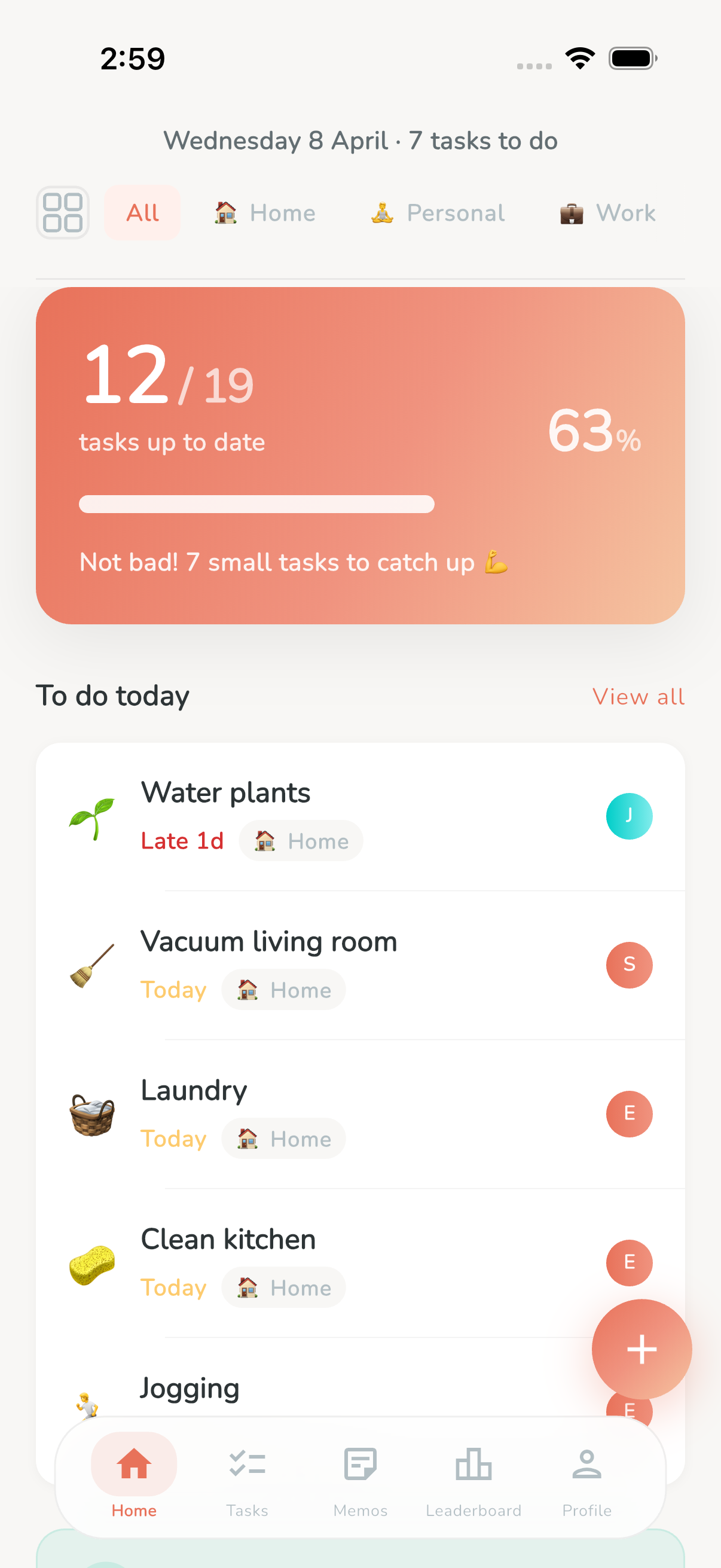
Your tasks live on your device
Most task apps work like websites — they load data from a server every time you open them. If the server is slow or your connection drops, you get a spinner, a blank screen, or an error. Bobby takes a fundamentally different approach.
Bobby is built with an offline-first architecture. Every task, every memo, every completion record, every list — all of it is stored in a local database on your phone. When you open Bobby, it reads directly from that local database. There's no network request needed just to see your tasks. The app opens and your data is there, instantly, every time.
This means Bobby is fast. Not "fast for a mobile app" — genuinely instant. Tap the icon and your task list appears. No loading states. No skeleton screens. No "pull to refresh." Your data is already there because it never left your device. The internet is used for syncing, not for reading.
Seamless sync
Changes sync when you're back online
Made changes while offline? Bobby queues them locally and syncs everything the moment your connection returns. Zero data loss. Zero effort.
You make changes
Complete a task, create a new one, check off a memo, edit a title. Every action writes immediately to the local database on your device. The app responds instantly — there's no "waiting for server."
Bobby queues changes
If you're offline, every change goes into an upload queue. Bobby tracks what needs to be synced and keeps everything in order. You can make as many changes as you want — they all queue up reliably.
Sync happens automatically
When internet returns, Bobby sends the queued changes to the server and pulls any updates from other devices or shared list members. All of this happens silently in the background — no button to press, no action needed.
Shared lists stay in sync across everyone
Offline-first gets interesting when multiple people share the same list. What happens when two family members complete tasks offline at the same time? What if one person edits a task while another completes it? Bobby handles all of these scenarios gracefully.
Bobby uses a real-time sync engine that detects and resolves conflicts automatically. Each change carries a timestamp, and the server uses smart rules to decide which version wins when two changes collide. In practice, conflicts are rare because Bobby uses separate timestamps for different types of fields — task parameters and computed fields like completion dates are resolved independently.
The result is that shared lists always converge to the same state across all members. Your partner completes "Wash the dishes" while you're on the subway with no signal — when you reconnect, the task updates on your screen instantly. No duplicates, no lost completions, no confusion. Every member of the shared list sees the same tasks, same statuses, and same due dates.
Real life, real scenarios
Bobby just works. Everywhere.
Most task apps break when you lose connectivity. Bobby was designed from day one to work without it. Here's where that matters most.
Underground metro
Lost signal between stations? Bobby still shows your full task list. Check off your morning grocery memo while commuting — it syncs when you reach street level.
Airplane mode
On a long flight? Plan your week, reorganize tasks, check off items from your packing list. Everything you do saves locally and syncs when you land.
Rural areas
Live somewhere with unreliable connectivity? Bobby doesn't care. Your tasks are always available, always up to date with your latest local changes.
Spotty WiFi
At a cafe with terrible WiFi? In a building with dead zones? Bobby reads from local storage, so connection quality doesn't affect the app experience at all.
Camping trips
Off the grid for the weekend? Bobby keeps working. Check your camp prep list, complete daily tasks, and everything syncs when you're back in range.
Grocery store basement
No signal in the store's basement level? Your shopping list is still right there in Bobby. Check items off as you grab them — no connection needed.
Built different from the ground up
Bobby isn't a cloud app with an offline cache bolted on as an afterthought. The entire architecture was designed offline-first from day one. Here's what that means in practice.
All data lives in a local SQLite database on your device. Every read operation — viewing your task list, opening a shared list, checking the leaderboard — goes directly to that local database. There's never a network call between you and your data. This is why Bobby feels instant, regardless of your connection quality.
Writes are also local-first. When you complete a task, the change is written to local SQLite immediately. If you're online, it syncs to the server in real time. If you're offline, it goes into a queue and syncs later. Either way, the app responds to your action instantly — there's never a round-trip to a server before showing you the result.
The sync layer uses a real-time replication protocol that streams changes between the server and all connected devices. When data changes on the server — because another family member completed a task, for example — the update is pushed to your device and merged into your local database automatically. It's the same technology used by apps that serve millions of users who need reliable real-time collaboration, now powering your family's chore list.
Bobby vs. typical task apps
Most task apps are cloud-first — they rely on a server connection to function. Bobby flips this model.
Ready for a task app that never lets you down?
Download Bobby for free. It works on the subway, on a plane, in the countryside, and everywhere in between. Your tasks, always in your pocket.